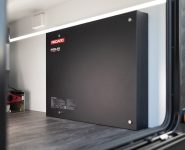


MONITORING MADE EASY
Understanding the new RedVision Essentials Display by REDARC
Whether you are off-grid or on the tools, knowing how much power you have onboard is critical.
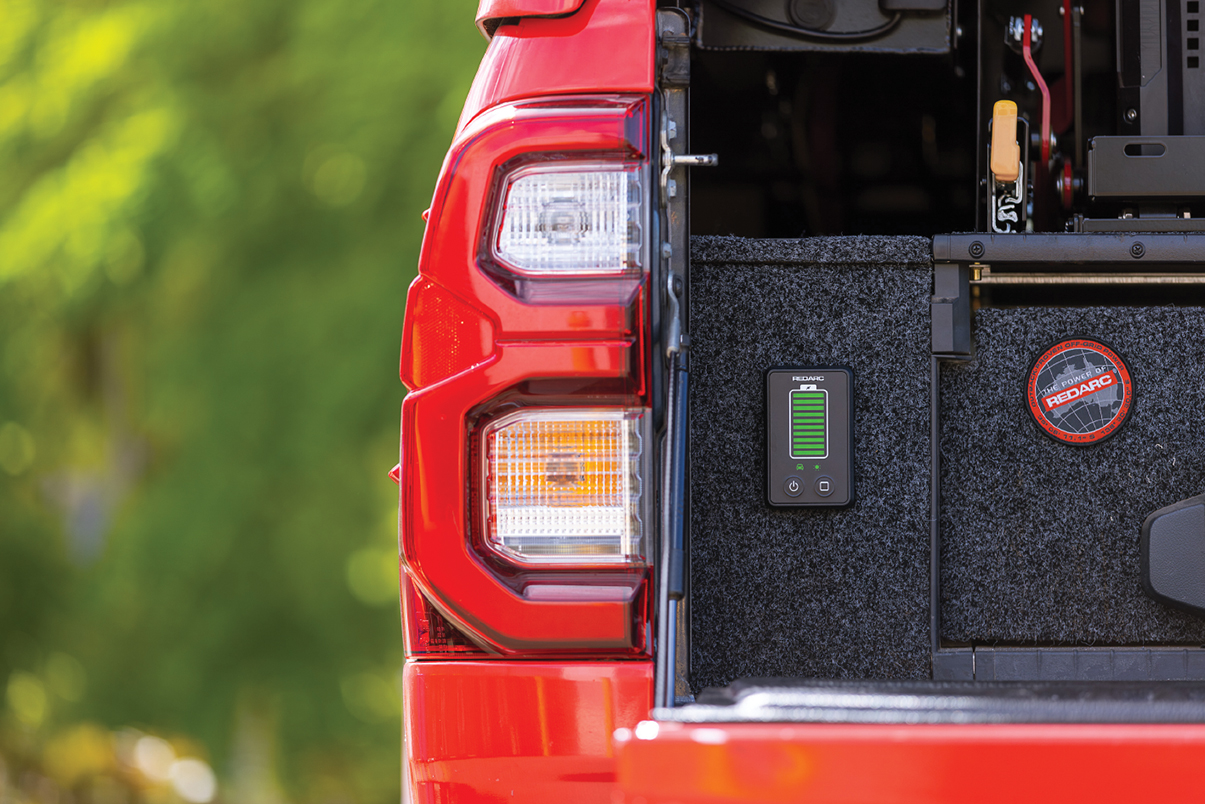
A fuel gauge for your battery, the new RedVision Essentials Display provides clear, instant battery visibility on a bright, uncluttered screen.
Powered by REDARC’s Smart Battery Monitor, RedVision Essentials Display delivers precise, reliable readings and connects easily to new and existing setups.
Flexible monitoring
For the trade, accessing a phone to monitor your battery is not always possible, especially for those who use a fleet vehicle.
RedVision Essentials Display works seamlessly with or without the need for a phone, displaying battery level and charge source all on a physical, hardwired display.
System status at a glance
In SoC Display mode, colour-coded LEDs show battery level: green above 20 percent, orange at 10-20 percent, and red at 10 percent or less.
The RedVision Essentials Display makes it easy to see where your battery power is coming from at a glance too.
AC Mains, Vehicle, and Solar icons light white when available, green when charging, and stay off when unavailable.
Jump start your start battery
RedVision Essentials Display has two buttons, each rated to one million presses: the Control Button and the Power Button.
When paired with a BCDC Alpha or Manager Alpha, Start Battery Recovery can be activated directly from the RedVision Essentials Display.
Back-charges a flat start battery in just 15 minutes – no phone required, and no need to hunt down a charger.
To cancel Start Battery Recovery at any time, simply press either button on the display.
Colour coded modes
When cycling through the Control menu, the Control LED will illuminate a different colour depending on the selected mode.
The display segments may also change colour to indicate the selected setting:
• Blue – Bluetooth: for battery monitoring through the RedVision App when the system contains compatible Bluetooth devices.
• Green – Start Battery Recovery: pair with a BCDC Alpha or Manager Alpha to back-charge a flat start battery in just 15 minutes.
• Purple – LED Brightness Adjustment: cycle through three different brightness levels: minimum, 50 percent and maximum.
• Red – Fault: a solid or flashing LED on the RedVision Essentials Display indicates a system fault.
An easy addition to any setup, REDARC says its RedVision Essentials Display won’t let you down when the job gets tough.
To learn more about the RedVision Essentials Display, visit www.redarcelectronics.com/disp4000